Let’s be honest. Most smart home guides are written for people who think setting up a new gadget is fun. Tech enthusiasts. Early adopters. People who have strong opinions about Wi-Fi bands.
Your parents are probably not those people.
And that’s completely fine. The good news is that smart home technology has gotten simple enough that even the most tech-resistant parent can genuinely benefit from it — as long as you set it up the right way. This guide is about exactly that: the smart home setup that actually works for elderly parents, without requiring them to learn anything complicated or talk to a speaker like they’re auditioning for a sci-fi film.
Start With the Problem, Not the Gadget
The biggest mistake people make when setting up smart home tech for elderly parents is starting with the technology. “This thing is amazing, Mum, you just say Alexa and—” and already they’ve tuned out.
Instead, start with the real problems you’re trying to solve:
- Are they forgetting to turn lights off?
- Is the house too cold or too warm?
- Are you worried about falls or safety at night?
- Do they struggle to reach switches?
- Are you anxious when you’re far away and can’t check in?
Once you know the problem, picking the right gadget becomes easy. Every device you add should solve a specific, real annoyance. If it doesn’t, skip it.
1. 💡 Smart Bulbs — The Easiest Win
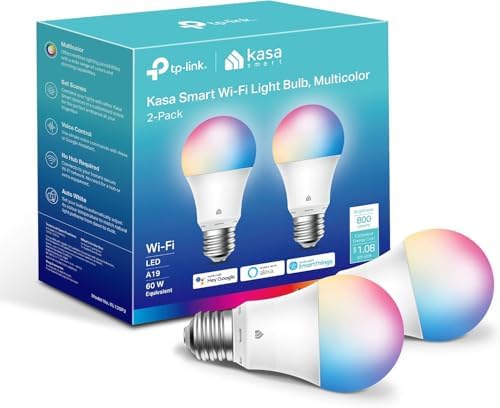
Smart bulbs are the perfect starting point for elderly parents for one simple reason: they still work like normal bulbs. Your parent can walk over and flip the switch exactly like they’ve done for the last 40 years. The smart features are just a bonus on top.
What makes them genuinely useful for older adults:
- Scheduled lighting — lights turn on automatically at dusk and off at bedtime. No forgetting, no fumbling for switches in the dark.
- Nighttime path lighting — set a gentle, dim light to turn on automatically in hallways and bathrooms between midnight and 6am. This one is genuinely life-changing for safety. Falls at night are one of the biggest risks for elderly adults, and a softly lit path to the bathroom makes a real difference.
- Motion-activated lights — no switch required at all. Walking into the kitchen at 2am automatically turns the light on. Walking out turns it off.
Set it up once. They never have to think about it.


2. 🌡️ Smart Thermostat — Comfort Without the Confusion
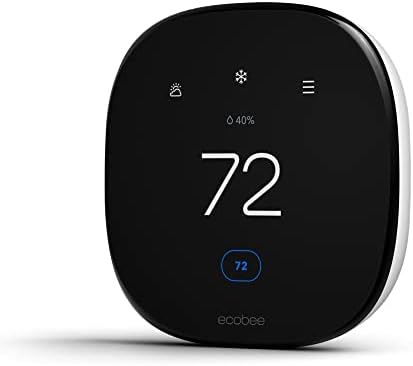
Older adults often struggle with thermostats — the menus are confusing, the settings reset, and getting the temperature right feels like solving a puzzle. A smart thermostat simplifies all of that.
The key benefit here is a simple, clear display and the ability to set a consistent schedule. The house warms up before they wake up. It stays comfortable during the day. It cools down at bedtime. They never have to touch it.
And if you’re the one managing it? You can adjust the temperature remotely from your phone, no matter where you are. Notice they mentioned being cold on the phone? You can warm their house up before you’ve even hung up. That’s not a small thing.


3. 📱 A Simple Voice Assistant — But Keep It Focused
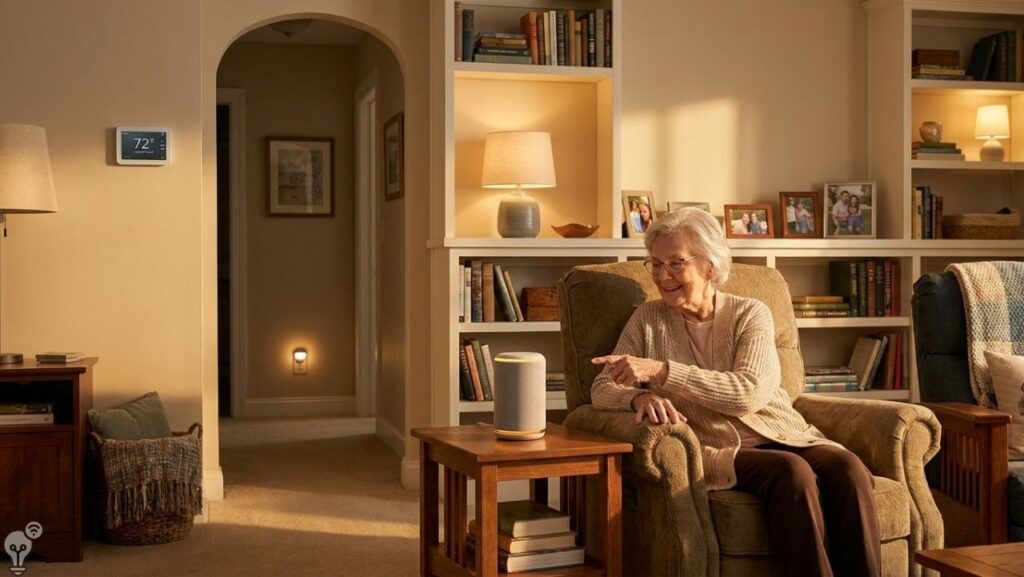
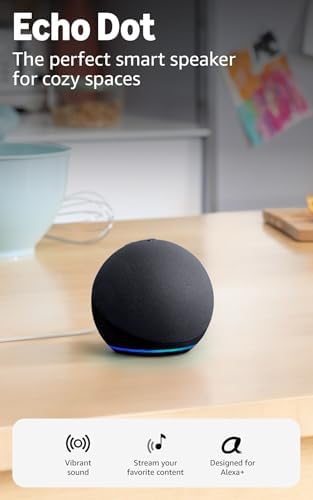
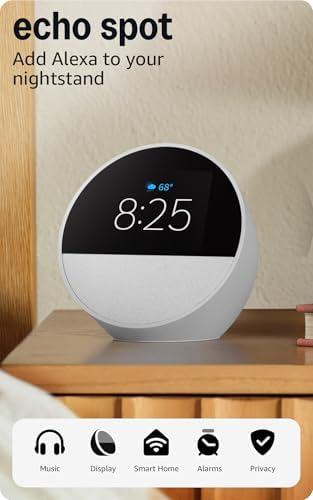
Voice assistants like Amazon Echo or Google Nest can be brilliant for elderly parents — but only if you set them up simply and resist the urge to show off every feature.
For older adults, the most genuinely useful things a voice assistant can do are:
- “Alexa, call [name]” — hands-free calling without navigating a phone
- “Alexa, set a timer for 20 minutes” — great for cooking
- “Alexa, what time is it?” — sounds basic, but for someone who misplaces their glasses, it’s genuinely helpful
- “Alexa, turn on the living room light” — simple and intuitive
- “Alexa, play [favourite music]” — instant joy
The trick is to not overwhelm them with possibilities. Pick three or four commands they’ll actually use, write them on a piece of paper and stick it near the device. Seriously — a handwritten cheat sheet works better than any tutorial.

4. 🔒 Smart Door Lock — Peace of Mind for Everyone
Forgetting keys is annoying for anyone. For an elderly parent, it can become a real problem — especially if they’re getting a little more forgetful. A smart lock lets them enter with a keypad code instead, so there’s nothing to lose and nothing to carry.
For you, the benefits are just as good:
- You can let in a carer or cleaner remotely without being there
- You can check whether the door was locked before bed
- You can unlock the door for emergency services if needed
No complicated app required on their end. Just a code they already know.


5. 🔌 Smart Plugs — Safety Without Saying a Word
This one is particularly underrated. Smart plugs let you automatically cut power to appliances on a schedule — which is hugely useful if your parent occasionally forgets to turn things off.
A kettle, a heater, a fan, a hair straightener — set the smart plug to cut power after a certain time and you’ve removed an entire category of worry. They don’t need to know the plug is smart. It just works, quietly and reliably, in the background.


The Golden Rule: Set It Up For Them, Not With Them
Here’s the most important piece of advice in this entire article: do the setup yourself, in advance, and hand them something that already works.
Don’t sit your parent down and walk them through the installation. Don’t show them the app. Don’t explain how the ecosystem connects. Just set it all up, make sure it works perfectly, and then show them the one or two things they need to know.
“The lights will turn on automatically at night. You don’t need to do anything.”
“If you want to call me, just say ‘Alexa, call [your name]’.”
That’s it. Simple, clear, already working. That’s the smart home setup that elderly parents can actually use.
Quick Summary: The Essentials
- Smart bulbs with motion and scheduled lighting — safety and simplicity
- Smart thermostat — comfort on autopilot
- Voice assistant — focused on 3-4 useful commands
- Smart door lock — no keys needed
- Smart plugs — background safety without any interaction
FAQ
Do elderly parents need a smartphone to use smart home devices?
For most of the setup above, no. Smart bulbs, smart plugs, and thermostats run on schedules you set in advance. A voice assistant works entirely by voice. Only the door lock and remote monitoring features require a smartphone — and that’s on your end, not theirs.
What if they accidentally turn off a smart bulb at the switch?
This is a common issue. The solution is to either remove physical switches (replacing them with smart switches that can’t be turned off) or use tape or a switch guard to prevent accidental switching. It sounds low-tech, but it works perfectly.
Which voice assistant is easiest for elderly parents?
Amazon Echo is generally considered the most straightforward for older adults — the wake word is clear, the speaker sound is excellent, and the device itself is simple. Google Nest works well too. Apple HomePod is better if the family is already in the Apple ecosystem.
Is smart home technology safe for elderly people living alone?
Absolutely — in fact, it can significantly improve safety. Automated lighting reduces fall risk, smart plugs reduce fire risk from forgotten appliances, and remote access lets family members check in without being intrusive.
Setting up a smart home for a parent is one of those things that takes a Sunday afternoon and pays off for years. Start simple, focus on real problems, and let the technology do the work quietly in the background — exactly as it should.