You bought smart home devices to make life easier. Maybe to save energy. Maybe both. And then your electricity bill arrived and you thought — wait, shouldn’t this be going down?
Here’s the thing nobody talks about enough: smart home devices use electricity even when you’re not using them. Some use a little. Some use a surprising amount. And when you have ten, fifteen, twenty devices all quietly sipping power around the clock, it adds up faster than you’d expect.
This isn’t a reason to throw your smart speaker out the window. But it is worth understanding what’s actually happening — so you can make smarter decisions about what you buy, how you set things up, and where the real savings are hiding.
The Concept Nobody Warned You About: Standby Power
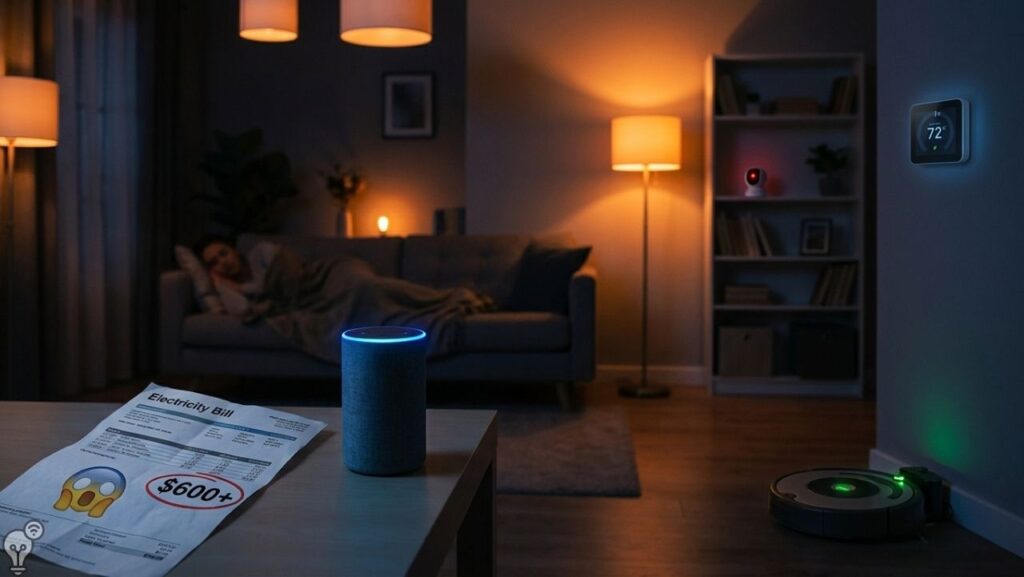
Almost every electronic device in your home uses power even when it’s “off” or idle. This is called standby power, sometimes called vampire power or phantom load — and the name is very on point, because it drains your energy budget silently and invisibly, every single hour of every single day.
For traditional appliances, standby power is usually small. A TV on standby might use 1-2 watts. A microwave clock uses about 3 watts. Annoying, but manageable.
Smart home devices are different. Because they need to stay connected to your Wi-Fi, listen for commands, check for updates, and be ready to respond instantly, many of them never truly go into a low-power sleep mode. They’re always on. Always listening. Always using electricity.
The question is: how much?
What Your Smart Devices Are Actually Using
Let’s go through the most common smart home devices and what they realistically consume.
🔊 Smart Speakers (Echo, Google Nest)
Your smart speaker is always listening for its wake word. That takes power — continuously. Most smart speakers use between 1.5 and 4 watts on standby, and around 3 to 7 watts when actively responding or playing music.
That might sound tiny. But a device using 3 watts continuously for a full year consumes around 26 kilowatt-hours of electricity. Multiply that by two or three speakers in different rooms and you’re looking at the equivalent of running a washing machine load every few days — just to keep your speakers on and listening.


📹 Smart Cameras
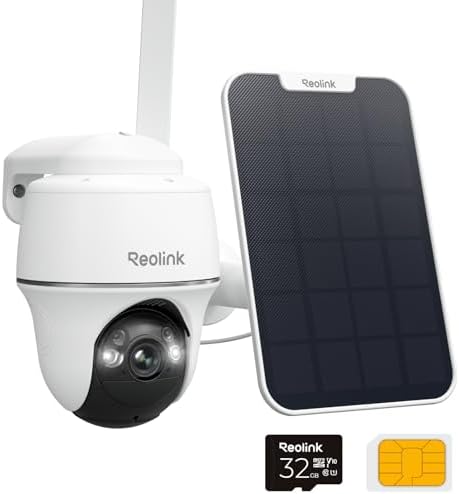
Security cameras are some of the biggest constant power consumers in a smart home. A camera that records and uploads continuously can use anywhere from 3 to 15 watts depending on the model, resolution, and whether it has infrared night vision running.
A set of four outdoor cameras running 24/7 at around 8 watts each? That’s 32 watts continuous, or roughly 280 kilowatt-hours per year. That’s not nothing.


💡 Smart Bulbs
Here’s a genuinely important one. Smart bulbs use slightly more electricity than equivalent non-smart LED bulbs — but the bigger issue is standby consumption. A smart bulb that’s switched “off” via the app but still has power flowing through it (which is required for smart features to work) uses around 0.3 to 0.5 watts.
That’s tiny per bulb. But if you have 20 smart bulbs in standby mode for 20 hours a day, you’re using roughly 50 to 75 extra kilowatt-hours per year just to keep them “smart” while off.
The lesson here: smart bulbs save energy when used intelligently with good scheduling. Used carelessly, they can actually use more than the dumb bulbs they replaced.


🌡️ Smart Thermostats
Good news here. Smart thermostats are generally very efficient — most use between 1 and 3 watts. And because they optimise your heating and cooling so well, the savings they generate far outweigh their own consumption. This is one device where the energy maths genuinely work in your favour.


🔌 Smart Plugs
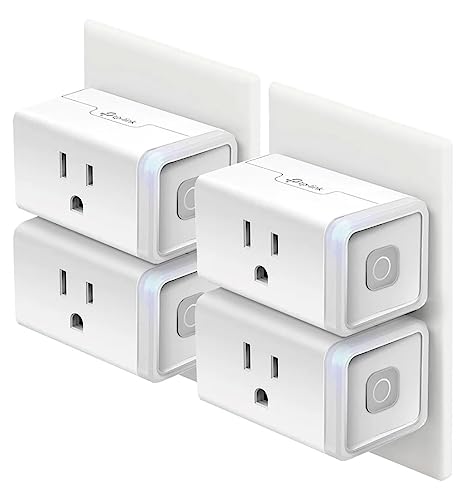
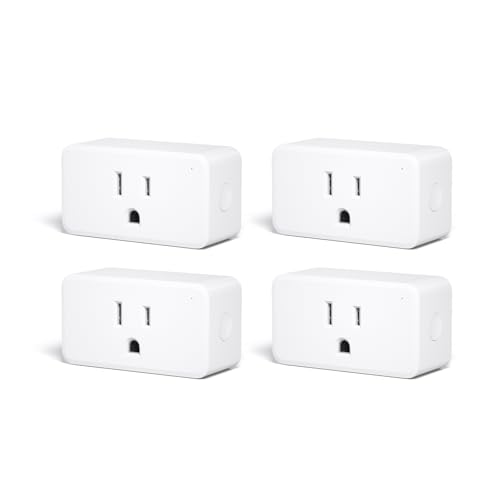
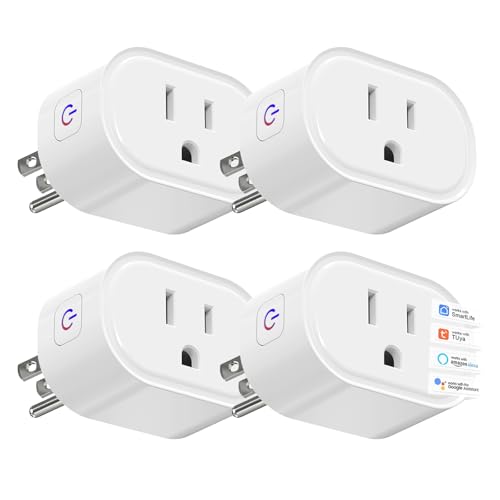
Smart plugs use power themselves — usually between 1 and 2 watts continuously — to stay connected and ready. If you’ve plugged a smart plug into a device to save energy, make sure the standby consumption of the plug itself isn’t cancelling out the savings. For low-power devices, it sometimes does.
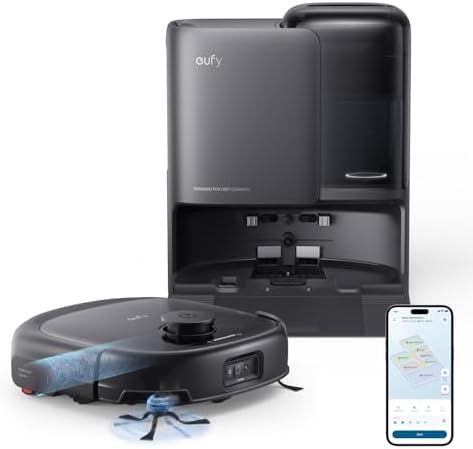
🤖 Robot Vacuums
When docked and charging, a robot vacuum typically uses 15 to 25 watts. Once fully charged, it drops to a trickle — around 2 to 5 watts in standby. Not a major concern, but worth knowing if you have it docked in a room where it charges repeatedly throughout the day.


📡 Smart Hubs and Routers
If you’re using a smart home hub (like a Philips Hue Bridge, SmartThings hub, or a Home Assistant device), add another 2 to 10 watts of continuous consumption depending on the device. Your Wi-Fi router — which all of this depends on — typically uses 5 to 20 watts continuously. That’s a baseline cost of running any smart home at all.


Adding It All Up
Let’s paint a realistic picture. A typical smart home setup might include:
- 2 smart speakers: ~6W continuous
- 4 smart cameras: ~32W continuous
- 20 smart bulbs on standby: ~8W
- 1 smart thermostat: ~2W
- 6 smart plugs: ~10W
- 1 robot vacuum on dock: ~5W
- Smart hub + router: ~15W
Total continuous draw: approximately 78 watts
That’s 78 watts running 24 hours a day, 365 days a year — around 683 kilowatt-hours annually. Depending on where you live and what you pay per unit, that could be anywhere from €80 to €150 per year, just in baseline smart home running costs.
Is that a lot? It depends on what you’re comparing it to. If your smart thermostat is saving you €200 a year on heating, you’re well ahead. If you bought ten gadgets for the novelty and most of them just sit there listening, you might be paying more than you realise for very little return.
How to Actually Reduce Your Smart Home’s Energy Footprint
The good news: there are straightforward things you can do.
Use smart plugs on your smart devices. Yes, this sounds circular — a smart plug on a smart speaker. But if you put devices you don’t use overnight on a smart plug with a schedule, you cut their consumption to zero for 7-8 hours a day. That’s a 30% reduction right there.
Use energy monitoring plugs. A smart plug with built-in energy monitoring shows you exactly how much each device is using in real time. This is genuinely eye-opening and takes about five minutes to set up. You’ll quickly spot which devices are worth keeping and which are quietly costing you money for no good reason.
Schedule smart bulbs properly. A smart bulb that’s turned off via a physical switch costs nothing. A smart bulb that’s “off” in the app but still receiving power costs a small amount continuously. Use schedules to ensure bulbs are only powered during hours you might actually use them.
Don’t leave cameras running in rooms you never check. If you have a camera in a room you’ve never reviewed footage from, turn it off. It’s using electricity and storing data you’re never going to look at.
Audit your devices once a year. Technology improves quickly. A device you bought three years ago might use twice as much energy as a current equivalent. It’s worth checking.
The Bottom Line
Smart home devices aren’t energy villains. Most of them, used thoughtfully, save more than they cost. The smart thermostat alone often pays for its own running costs many times over. Smart bulbs on good schedules genuinely reduce lighting bills.
The issue isn’t the technology — it’s using it mindlessly. A house full of always-on, always-listening devices that you rarely interact with is just a house with a higher electricity bill and more things that need firmware updates.
Buy with purpose. Monitor your usage. Schedule what you can. And remember: the smartest thing a smart home can do is actually save you money — not just look impressive on a shelf.
Want to build a smart home that works harder and costs less? Browse more energy-saving guides on Inovateia.