Working from home sounds dreamy until you realise your “office” is a corner of the dining table, your back hurts by noon, and you’ve lost your phone charger for the third time this week.
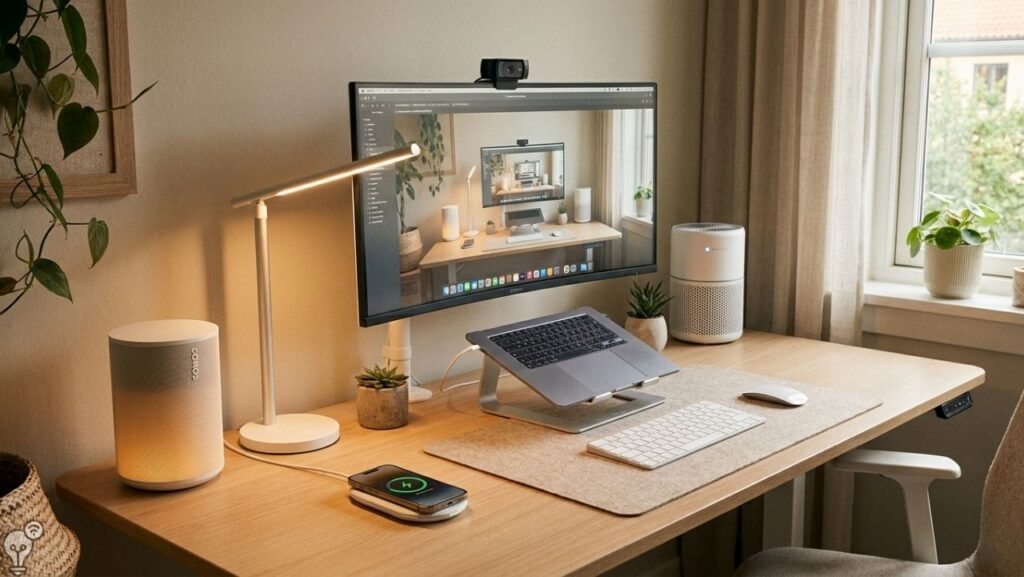
The good news? You don’t need a full office renovation to fix this. A handful of well-chosen desk gadgets — including some genuinely smart ones — can transform your work-from-home setup into something you actually enjoy sitting at. Here are the ones that make a real difference.
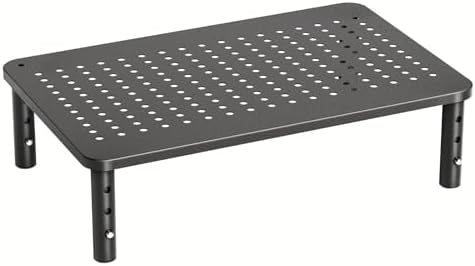
1. 📺 Monitor Stand or Laptop Riser — Save Your Neck Before It’s Too Late
If you’re looking down at a screen all day, your neck is paying the price. A monitor stand or laptop riser brings your screen to eye level — which sounds like a small thing until you realise your neck has stopped hurting after two weeks.
The better ones come with built-in storage underneath, so your keyboard, notebooks, and random cables have somewhere to live. It’s one of those upgrades that seems unnecessary until you have it, and then you can’t imagine working without it.
Best for: Anyone who spends more than three hours a day at a desk. Which, if you work from home, is everyone.


2. 🔊 Smart Speaker — Your Hands-Free Work Assistant
A smart speaker on your desk does more than play music. During a workday it becomes a genuinely useful tool: set timers for deep work sessions, ask quick questions without breaking your flow, make hands-free calls, control your smart home devices around you, and play focus playlists on command.
“Set a 25-minute focus timer.” “What’s the weather for my afternoon walk?” “Play lo-fi music.” — all without touching your keyboard or picking up your phone.
It’s a small device that quietly handles a surprising number of tiny interruptions throughout the day.


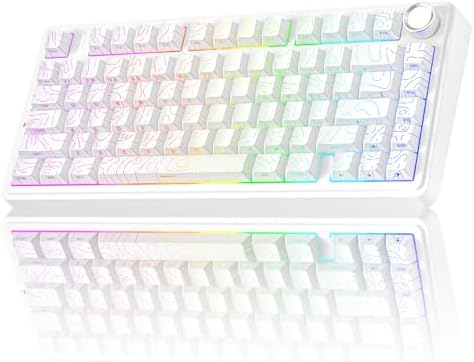
3. ⌨️ Wireless Keyboard and Mouse — Less Clutter, More Freedom
If you’re using a laptop, a wireless keyboard and mouse are an instant upgrade. You can position the screen at eye level, keep the keyboard wherever it’s most comfortable for your wrists, and eliminate the cable chaos that makes a desk feel like a tangled mess.
A good wireless keyboard and mouse combination is one of the highest value-for-money upgrades you can make to a home office. Productivity goes up, discomfort goes down, and your desk suddenly looks like you have your life together.


4. 🔊 USB Desk Speaker or Noise-Cancelling Headphones — For Calls That Don’t Sound Like You’re Underwater
Laptop microphones and speakers are fine for casual use. For a full day of video calls and focused work sessions, they’re not fine at all.
Noise-cancelling headphones are one of the single most impactful work-from-home investments you can make. The ability to block out background noise and actually concentrate is, honestly, priceless. They also reduce listening fatigue over a long day — which is a real thing that makes you exhausted by 3pm even when you haven’t done much.


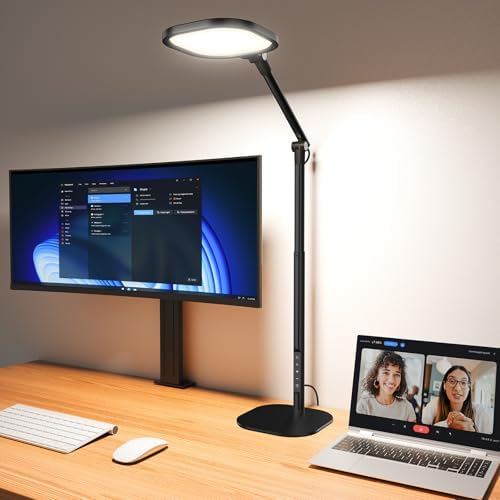
5. 💡 Smart Desk Lamp — Light That Adjusts to Your Day
Regular desk lamps light your desk. A smart desk lamp works with you. You can set it to cool, bright light in the morning for focus and have it automatically shift to warmer, softer tones in the afternoon as your brain starts to wind down — all on a schedule, without touching a thing.
Many smart desk lamps also connect to your voice assistant, so you can say “dim the desk lamp” during a video call or “set the lamp to focus mode” when you need to concentrate. Some models double as ring lights, which means you stop looking like you’re calling in from a dimly lit cave.


6. 🔌 Smart Plug — Turn Any Desk Device Into a Smart Device
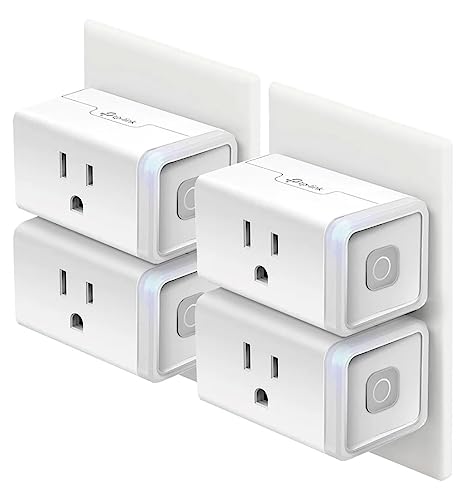
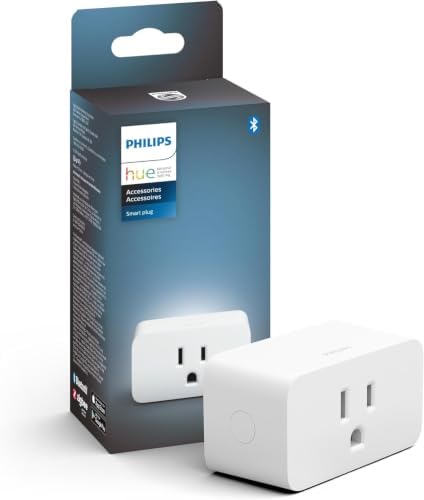
A smart plug might be the most underrated home office upgrade. Plug your monitor, desk lamp, or fan into a smart plug and you can control them by voice, schedule them to turn on when your workday starts, and cut power automatically when you finish.
Set a routine: every weekday at 8:30am your monitor and desk lamp turn on. At 6pm they switch off — a small but satisfying signal that the workday is done. It also helps with energy saving, since devices on standby quietly drain power all day.

7. 📱 Wireless Charging Pad — One Less Cable to Think About
A wireless charging pad sits on your desk and charges your phone just by placing it down. No fumbling for a cable, no worn-out charging port, no ending a call with 4% battery.
The better models charge quickly, lie completely flat, and some even charge multiple devices at once — phone, earbuds, and smartwatch from a single pad. Small upgrade, used every single day.


8. 📡 Smart Air Purifier — Better Air, Better Focus
This one surprises people. Air quality in a closed room — especially one you sit in for eight hours — has a measurable effect on concentration and energy levels. A smart air purifier monitors air quality in real time and adjusts automatically.
The smart part matters: you can check air quality from your phone, set schedules so it runs quietly during your lunch break, and get alerts if levels drop. Some models connect to voice assistants so you can turn them on or off without getting up. Better air genuinely helps you think more clearly. It’s not a gimmick.


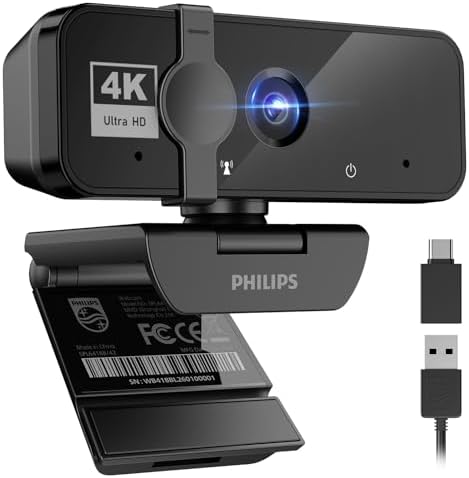
9. 📷 Webcam — Because Built-In Laptop Cameras Are Depressingly Bad
Video calls are part of work life now. And most built-in laptop cameras are, frankly, terrible — grainy, badly angled, and hopeless in low light.
A dedicated webcam at eye level delivers dramatically sharper video and handles low-light situations properly. Some models also work with smart home routines, automatically adjusting lighting scenes when you start a call. It’s a small thing that makes a big difference to how professionally you come across in meetings.


10. 🌡️ Smart Thermostat or Smart Fan — Comfort on Autopilot
Working in a room that’s too hot or too cold is quietly exhausting. A smart thermostat lets you schedule your home office temperature to be perfect before you even sit down — warm in winter mornings, cooled down for afternoon focus sessions.
If a full thermostat isn’t an option, a smart fan or smart heater on a plug works just as well. Set it to come on 15 minutes before you start work, and turn off automatically at the end of the day. Comfort without thinking about it.


 11. Smart Mug — Coffee That Stays Hot While You Actually Drink It
You make a coffee, sit down, get pulled into a task, and 40 minutes later you have a sad lukewarm cup that isn’t worth drinking. This happens to every person who works from home, every single day.
A smart mug like the Ember solves this in the most satisfying way possible. You set your exact preferred drinking temperature in the app, and the mug keeps your coffee or tea at that temperature for hours. No reheating, no microwave trips, no disappointment.
It sounds like a luxury until you realise you’re actually finishing your coffee while it’s still good — which, on a busy workday, feels genuinely life-changing.
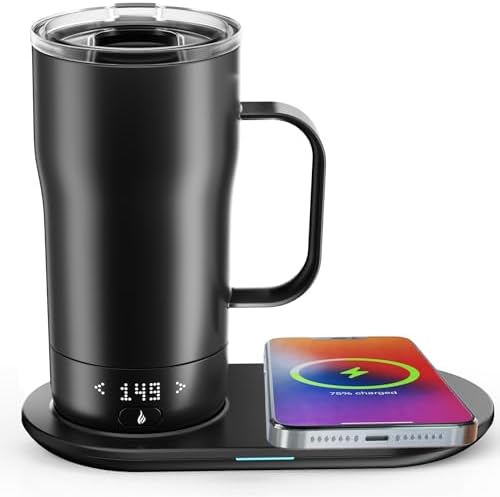


12. Smart Coffee Warmer — Because Your Desk Mug Deserves Better
If you already have a favourite mug you can’t part with, a smart desk coffee warmer is the answer. It sits on your desk like a small coaster, keeps your mug at a consistent warm temperature, and some models connect to an app so you can set your preferred heat level or turn it on remotely before you even sit down.
Pair it with a smart plug and you can have it switch on automatically at the start of your workday — so your coffee is warm the moment you need it, without touching a thing. Small gadget, unreasonably satisfying to use.


Building Your Setup: Where to Start
You don’t need all of this at once. If you’re starting from scratch, the highest-impact changes in order are:
- Smart desk lamp — light that works with your day
- Noise-cancelling headphones — focus and call quality, life-changing
- Smart plug — automate your whole desk setup for a few euros
- Smart speaker — hands-free help throughout the day
Add from there as your budget and needs grow. A well-set-up desk doesn’t have to cost a fortune — but it makes every working day noticeably better.
Working from home should feel good. Browse more practical home and tech guides on Inovateia.Inovateia.