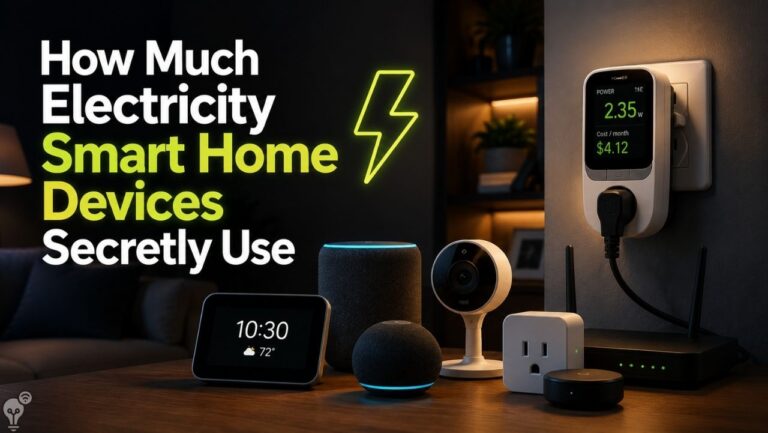
You bought a smart home to save money, right? A few smart plugs here, a thermostat there, maybe a robot vacuum you named after a beloved pet. The dream was simple: technology handles the boring stuff, your bills shrink, and you get to feel like you’re living in the future.
Then the electricity bill arrives, and suddenly your “smart” home feels less like Tony Stark’s lab and more like a very expensive nightlight collection.
Here’s the truth nobody tells you at the electronics store: smart devices don’t automatically save you money. Used carelessly, they can quietly drain your wallet every single month. The good news? Most of these mistakes are painless to fix once you know they exist. Let’s go through the biggest culprits.
1. You’re Paying for “Standby Mode” Around the Clock
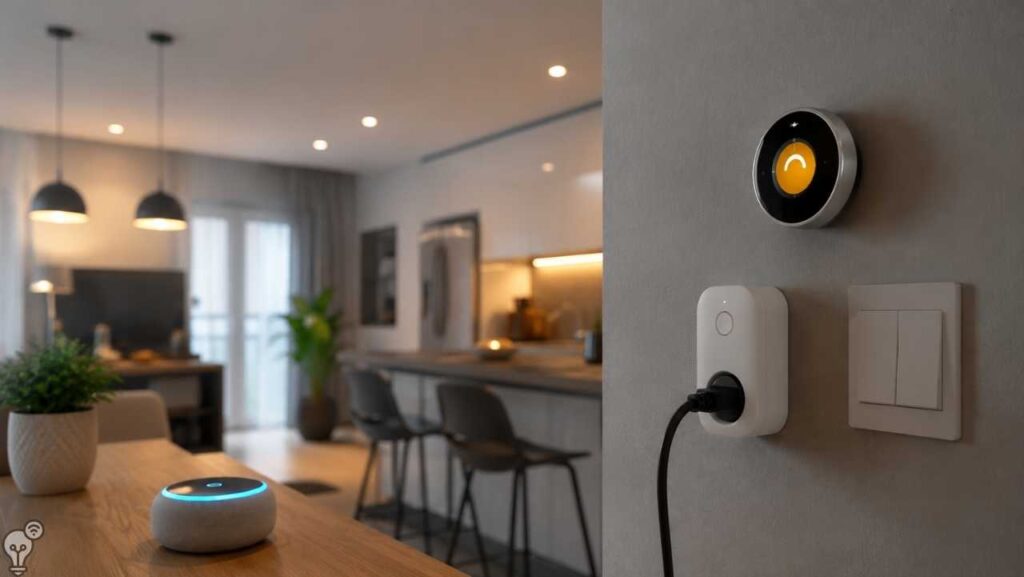
That smart speaker sitting on your kitchen counter, always listening for “Hey Google” or “Alexa”? It’s never really off. Neither is your smart TV, your streaming box, or that smart plug you forgot you installed behind the couch in 2022.
Individually, standby power (also called “phantom load”) is small — a few watts here, a few there. But multiply that by 15–20 devices running 24/7, 365 days a year, and you’ve basically installed a tiny, invisible space heater that does nothing but cost you money.
The fix: Use a smart power strip for clusters of devices (like your entertainment center) so they can fully power down together. You don’t need your soundbar sipping electricity at 3 a.m. just in case you decide to watch a movie.


2. Your Smart Thermostat Is Smarter Than You’re Letting It Be
This is the big one. People buy a $200 smart thermostat, install it beautifully, connect it to the app… and then never actually use the smart part. They just manually set the temperature and leave it, exactly like they did with their old dumb thermostat.
Congratulations, you’ve bought a very expensive dial.
The whole point of a smart thermostat is that it learns your schedule, adjusts to when you’re away, and responds to actual weather conditions instead of your best guess. If you’re not letting it build a schedule — or worse, if you’re constantly overriding it — you’re missing out on 10–15% potential savings on heating and cooling, which is typically your single biggest utility expense.
The fix: Give it two weeks to learn your patterns before you start second-guessing it. Turn on geofencing (the feature that knows when you’ve left the house) if your model supports it. Resist the urge to crank it manually every day — that’s the equivalent of hiring a personal trainer and then doing the workout yourself while they watch.


3. Smart Lighting You Never Actually Automate
Smart bulbs are wonderful. Smart bulbs that you control by walking over to a regular light switch and flipping it like a caveman are… not wonderful. In fact, they can be worse than regular bulbs.
Here’s the sneaky part: if you turn a smart bulb off at the wall switch instead of through the app or a smart switch, the bulb itself often stays in a low-power “waiting for signal” state, or it disconnects from Wi-Fi and reconnects when the power returns — which uses more energy than just leaving a regular bulb off. Some people end up with smart bulbs that are functionally always half-on.
The fix: Actually set up automations — lights off when no motion is detected for 10 minutes, dimmed after sunset, off completely at 1 a.m. If you’re not going to use the “smart” features, save your money and buy a regular bulb. There’s no shame in it.


4. You Bought Devices That All Speak Different Languages
This one costs you money in a sneakier way: subscription overload. Every smart home ecosystem wants its own app, and some want their own hub, and a few really want their own monthly fee. Before you know it, you’re paying for a camera subscription, a video doorbell subscription, a robot vacuum app subscription, and a “premium” thermostat feature you didn’t know existed until it started charging you.
The fix: Before buying a new device, check whether it works with a platform you already use (Google Home, Apple Home, Amazon Alexa, or an open standard like Matter). Consolidating around one ecosystem reduces subscription creep and stops you from needing four apps just to turn off your porch light.
5. Ignoring Energy Reports Your Devices Are Already Giving You
Here’s an underrated fact: many smart plugs, thermostats, and even some smart outlets track energy usage in real time. Most people never open that tab. It’s like having a fitness tracker and never checking your step count — the data is sitting right there, quietly judging you.
The fix: Spend ten minutes once a month scrolling through your app’s energy or usage history. You’ll often spot the one appliance quietly hogging power — an old fridge, a space heater, a gaming PC that never sleeps — and that’s usually your biggest money-saving opportunity, hiding in plain sight.



6. Automations That Fight Each Other
This is the smart home equivalent of a sitcom mix-up. You’ve got one automation that turns the AC down when you leave, and another that turns it back up because a family member’s phone is still connected to Wi-Fi. Result: your AC just argues with itself all day while your bill climbs.
The fix: Periodically review your automations (most apps have a full list). Delete or fix anything overlapping or contradictory. Think of it as spring cleaning, but for robots.
7. Voice Assistants Left on “Always Listening” With Extra Features Enabled
Some smart speakers offer add-on features — continuous conversation mode, expanded skills, constant device scanning — that increase both processing and power draw. Most people turn these on once out of curiosity and forget they exist.
The fix: Go through your voice assistant’s settings once and disable anything you don’t actually use. Fewer background processes, less power, less clutter.



8. Skipping Firmware Updates (Yes, This Costs You Money Too)
This one’s sneaky. Outdated firmware isn’t just a security risk — it also means your devices may be running inefficient code, missing power-optimization patches, or struggling to communicate properly with your network, which can cause them to work harder (and draw more power) than they need to.
The fix: Turn on automatic updates wherever possible. It’s the one “set it and forget it” feature that’s actually supposed to be set and forgotten.
The Bottom Line
A smart home should feel like having a helpful, slightly nerdy assistant — not a roommate who leaves every light on and never checks the group chat about the electricity bill. The good news is that fixing these mistakes doesn’t require buying anything new. It just requires actually using the smart features you already paid for.
So take fifteen minutes this weekend. Check your standby devices, actually configure your thermostat, clean up conflicting automations, and peek at those energy reports gathering digital dust. Your future self — and your bank account — will thank you.
And hey, at least now when someone asks if your house is smart, you can honestly say yes… and mean it.